Importing SARIF file into a Ghidra project
Overview
This tutorial describes how to import a SARIF export into your Ghidra project containing the original Stronghold Crusader.exe binary.
Prerequisites
Ghidra 11.4.1 or higher
Stronghold Crusader (Steam or GOG version in English). The
Stronghold Crusader.exebinary should haveSHA256-hash:3BB0A8C1E72331B3A30A5AA93ED94BECA0081B476B04C1960E26D5B45387AC5AA SARIF file containing the Ghidra database export the team has worked on for years. You can find the latest here (unzip the file into a directory).
Step by step
Launch Ghidra
Launch ghidra using e.g. ghidraRun.bat found in the Ghidra installation folder.
Create a Ghidra project
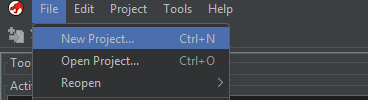
Create a new project:
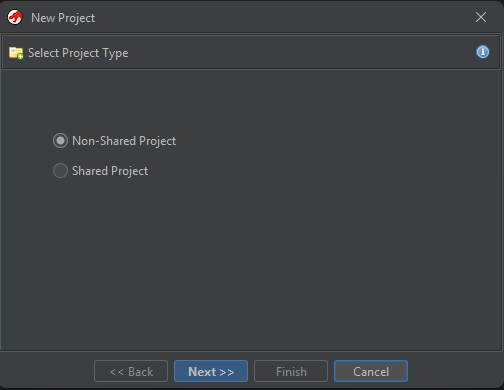
Make it a non-shared project:
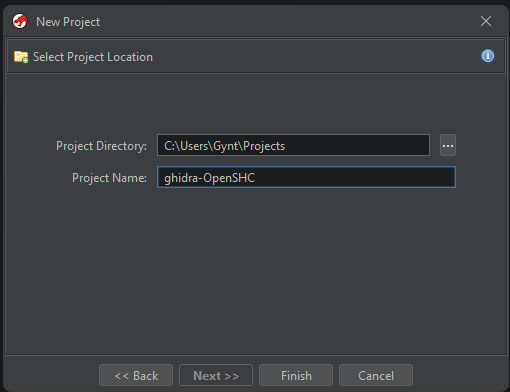
Browse to a directory of your liking and name the project ghidra-OpenSHC (or something else you like better)
Importing Stronghold Crusader.exe into Ghidra
Now, we import the original game binary into Ghidra (make sure it is exactly the right version):
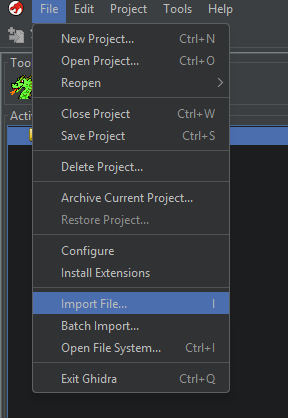
Browse to the exe file in your game’s installation directory. You will be prompted with a window like this:
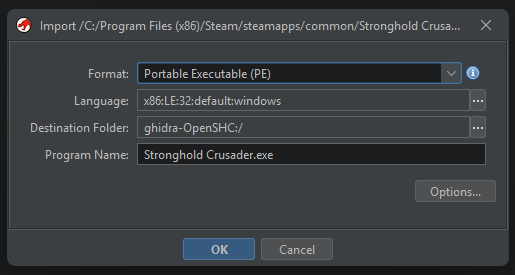
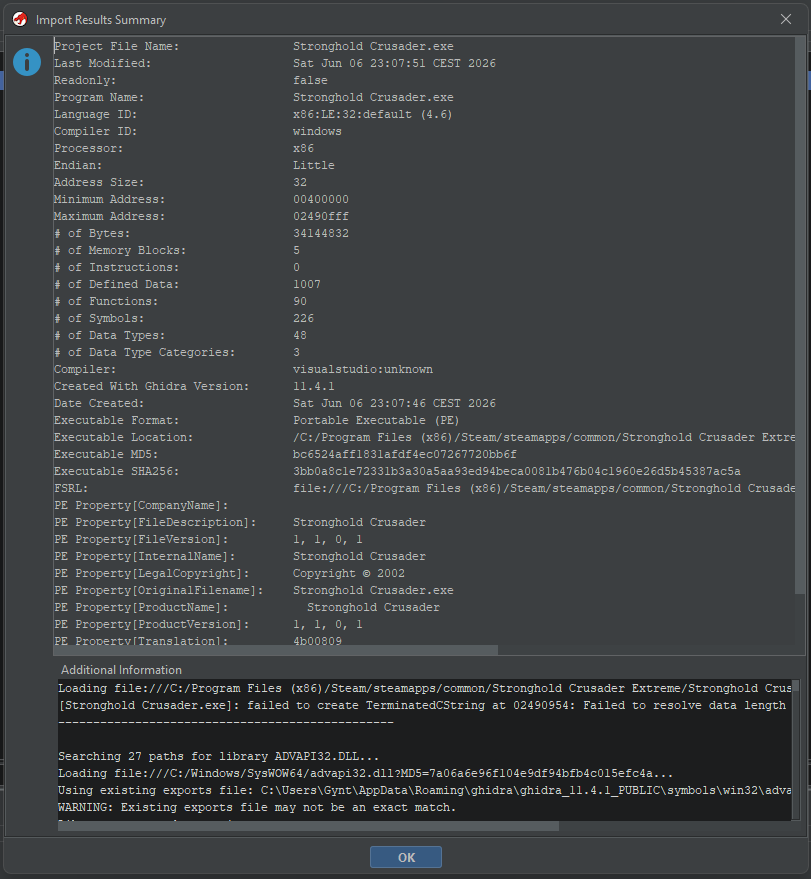
Hit OK and let it crunch. It will result in a window like this:
Opening the exe in Ghidra
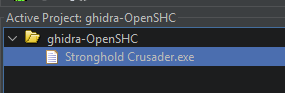
Now we open the exe file in Ghidra by double-clicking it:
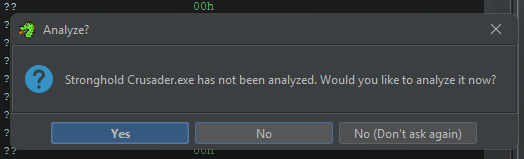
Ghidra will ask us whether to analyze the binary. Click NO.
Importing SARIF into Ghidra
Then, we import the sarif file into Ghidra.
Then, from inside the “CodeBrowser”, click “Add to Program”:
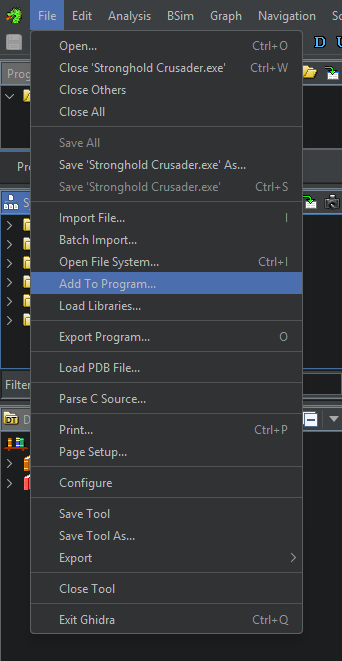
Then, browse to the sarif file and you will be prompted with a window like this:
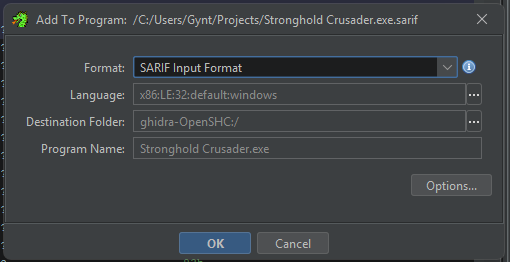
After this is finished, the sarif file has been imported. However, we need some post-processing.
Post-processing
In order to get decompilations of functions, Ghidra needs to disassemble all functions we just learned about via the SARIF file.
Go to Windows => Python (or PyGhidra or Jython).
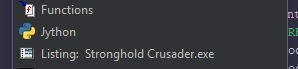
Then input the following script in the interpreter window and hit enter:
all(disassemble(f.getEntryPoint()) for f in getCurrentProgram().getFunctionManager().getFunctions(False))
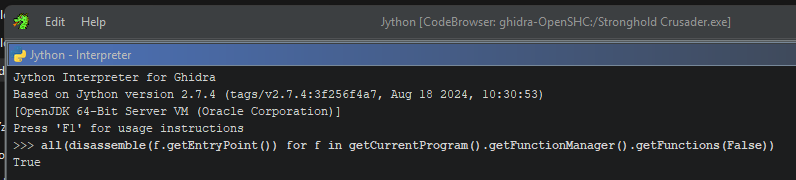
After a while, it will have decompiled all functions.
Happy browsing! The Symbol Table on the left of the CodeBrowser is your friend: open up the namespace _HoldStrong to view functions that are relevant to OpenSHC.
Known limitations
Calling conventions that preserve registers such as ECX are not supported for import. A future import script via Python could perhaps resolve this.